
Widgeteer
widgeteer.ai
AI widget builder that turns one sentence into a working form, quiz, booking tool or calculator you can edit and embed on any site, Shopify or WordPress.
- Pricing
- Freemium
- Published
- Nov 3, 2026
Next steps
What it does
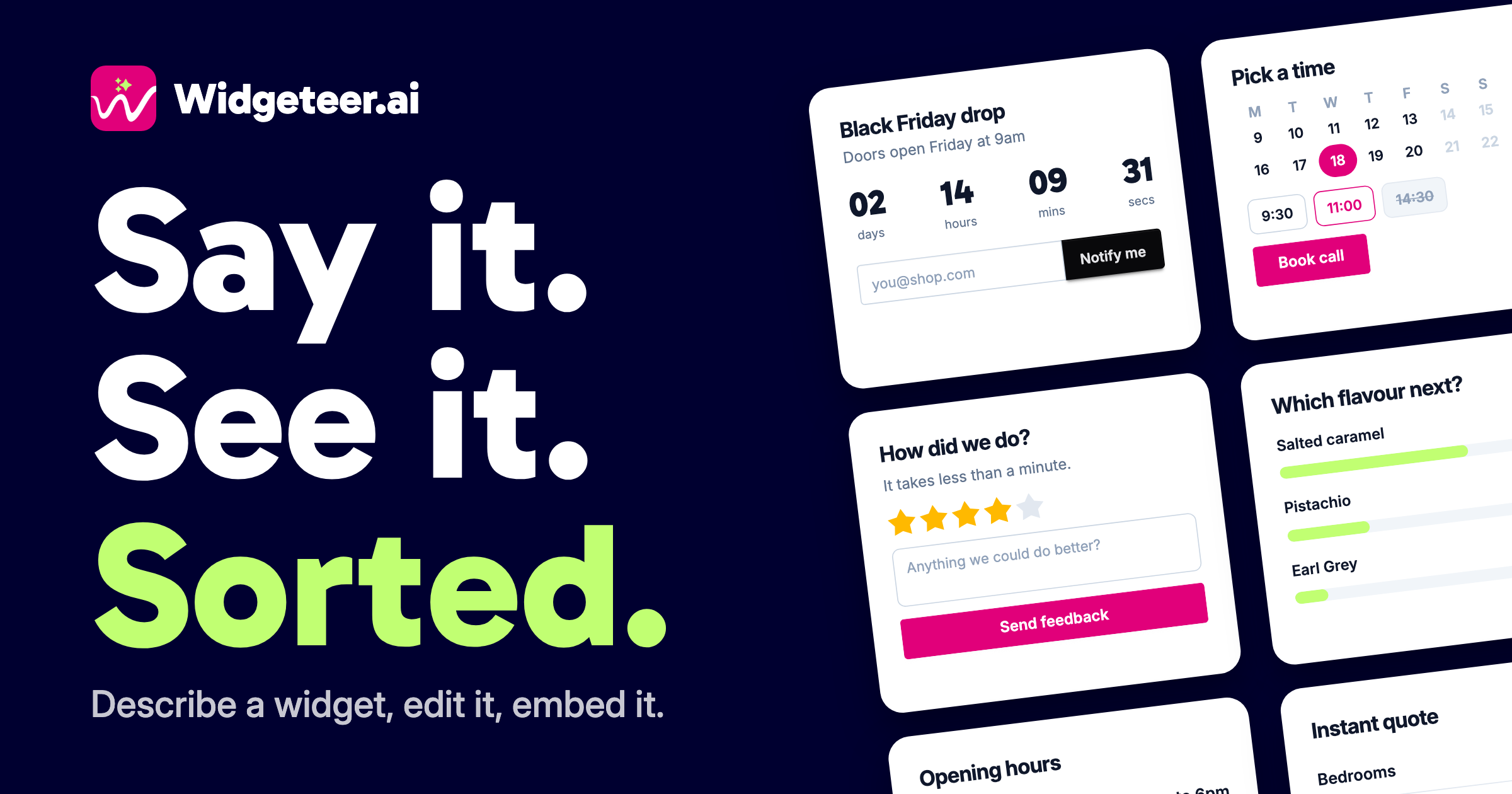
Widgeteer builds working website widgets — forms, quizzes, booking tools, quote calculators, galleries and more — from a plain-English description, with no setup, keys or code. Its gallery includes examples such as a showroom appointment booking widget that hides booked slots, an instant quote calculator for cleaning businesses, a product recommendation quiz that collects an email, a spin-to-win signup wheel, a before-and-after image slider, a restaurant table booking form and a Typeform-style enquiry form. You can fine-tune any widget by hand (questions, answer types, messages, colours, steps) or ask the AI to make bigger changes, and the preview is the real widget so you can test submissions before going live. Submissions can trigger an instant email or go to Zapier, n8n, Make, Airtable or webhooks. Embed with a snippet on any site, as a Shopify section or as a WordPress block. Pricing: Free ($0, 3 widgets, 2 actions, 3 AI edits per widget, 100 submissions a month) and Premium ($14.70 per month, 14-day free trial, 50 widgets, 10 actions, 25 AI edits per widget, unlimited submissions); Shopify has its own plan billed through Shopify. Made by Nofuss Creatives Ltd in Reading, UK.
Use cases
- Add an appointment booking widget to a small-business website without a form builder
- Build an instant quote calculator for a service business
- Create a product recommendation quiz that collects emails on a Shopify store
Frequently asked questions
- How much does Widgeteer cost?
- Free plan at $0 (3 widgets, 100 submissions a month); Premium is $14.70 a month with a 14-day free trial. Shopify has a separate plan billed through Shopify.
- Where can I embed widgets?
- On any website via embed code, as a Shopify section or as a WordPress block.
- Can I edit what the AI builds?
- Yes. Edit by hand without limits, or ask the AI for bigger changes (AI edits are capped per plan).
- Where do submissions go?
- An instant email, or Zapier, n8n, Make, Airtable and webhooks.