
Reprise
reprise.page
Read-later app for iPhone and Mac that reads web articles aloud with an on-device AI voice.
- Pricing
- Freemium
- Published
- Nov 19, 2026
Next steps
What it does
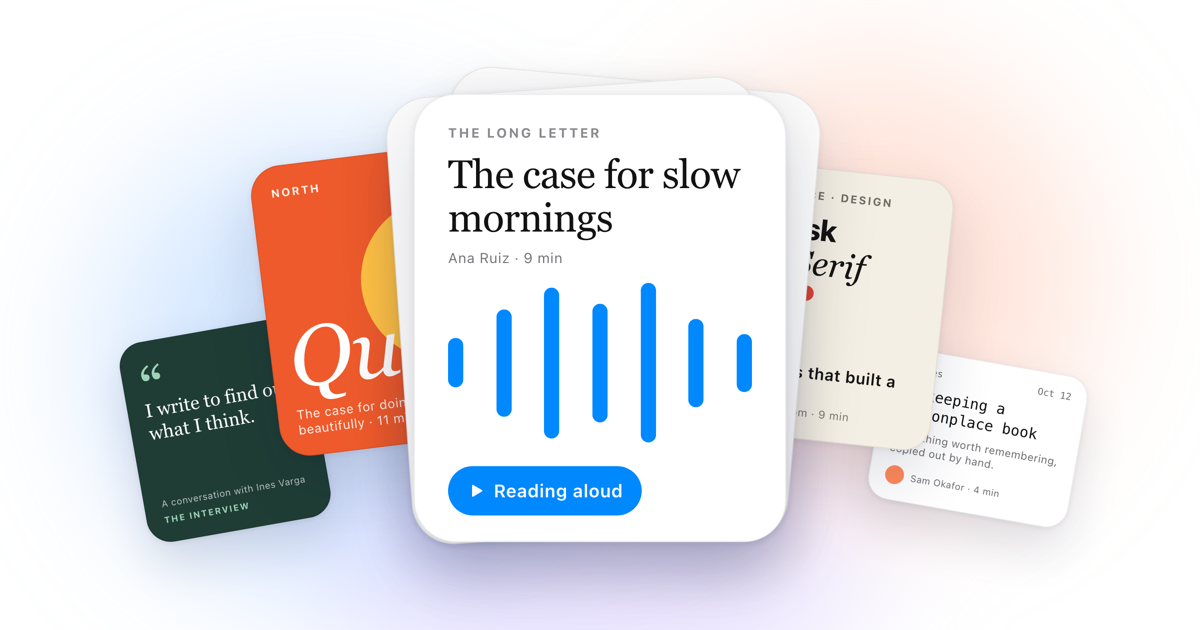
Reprise saves articles from Safari or any app, strips the page clutter and reads them aloud in a natural voice that runs on your device (Neural Engine where available), with the text highlighting word by word. Follow websites to get new articles ready to play, use built-in voices or your own voice from a short sample, and continue across iPhone, iPad, Mac and CarPlay via iCloud sync, with no account. Free with a narration limit; Premium removes it.
Use cases
- Save long articles from Safari and listen to them on a commute or walk with on-device narration
- Follow favourite websites so new articles arrive ready to play
- Have articles read in your own voice from a short recorded sample
Frequently asked questions
- What is Reprise?
- Reprise is a read-later app for iPhone, iPad and Mac that turns web articles into narration with a natural voice, while the text follows along word by word.
- Does narration need the internet?
- No. The voice runs on device, using the Neural Engine where available, so narration also works offline.
- Can I use my own voice?
- Yes. You can record a short sample or import one from a video or audio file and Reprise reads in that voice.
- How much does it cost?
- Reprise is free to use. Premium removes the narration limit, with a 7-day free trial on the yearly plan.
- Do I need an account?
- Articles, highlights and followed sites sync through iCloud without creating an account.