
Claude Code Templates
aitmpl.com
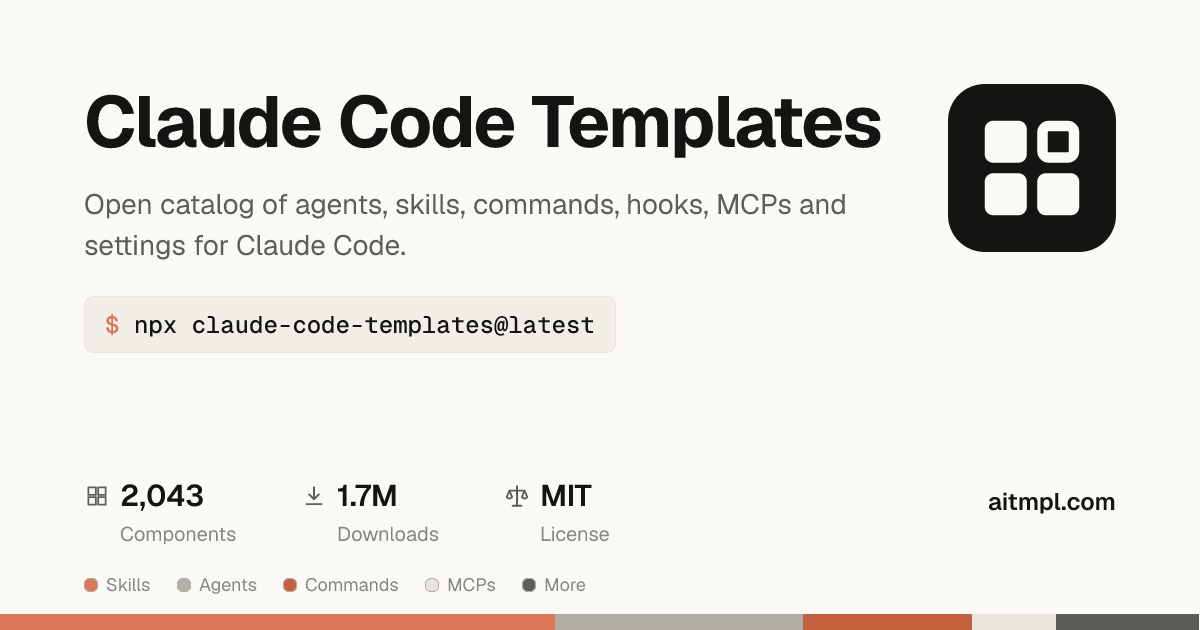
Open catalog of about 1,900 ready-to-use Claude Code components (skills, agents, commands, MCP integrations, hooks) installable with one npx command.
- Pricing
- Open source
- Published
- Nov 5, 2026
Next steps
- Claude Code Plugins Directory
Both tools are listed under AI Code Assistant, AI Developer Tools, mcp, and claude-code.
- Claude How To
Both tools are listed under AI Code Assistant, Open Source, claude-code, and hooks.
- gstack
Both tools are listed under AI Code Assistant, Open Source, agent-skills, and claude-code.
- CodeGraph
- Agent Skills (Addy Osmani)
- Pi
What it does
Claude Code Templates, browsable at aitmpl.com, is an MIT-licensed open-source project (about 33k GitHub stars) that collects ready-made configurations for Anthropic's Claude Code. The catalog has roughly 1,900 components, including 890+ skills and 420+ specialist agents, plus slash commands, MCP integrations, settings, hooks, mods, loops, sandboxes and project templates. On the website you can search the catalog, preview every file a component will write and combine several components into one install command; in the terminal, npx claude-code-templates@latest installs them interactively or with flags such as --agent, --skill, --command, --mcp or --hook.
Use cases
- Add a ready-made code-review or frontend agent to Claude Code in one command
- Install a bundle of skills, commands and MCP integrations for a new project
- Browse community hooks such as conventional-commit checks before adopting them
Frequently asked questions
- Is it official from Anthropic?
- No. It is an independent open-source project (MIT) by davila7 that packages configurations for Anthropic's Claude Code.
- How many components are there?
- About 1,900, including 890+ skills and 420+ agents, according to the README.
- How do I install components?
- Run npx claude-code-templates@latest for an interactive menu, or pass flags like --agent, --skill, --command, --mcp or --hook.
- Can I see what will be installed first?
- Yes, aitmpl.com previews every file a component writes before you install it.