
CC Switch
ccswitch.io
Open-source desktop manager for Claude Code, Codex, Gemini CLI, OpenCode and other coding agents: switch API providers in one click, manage MCP, skills and prompts.
- Pricing
- Open source
- Published
- Nov 1, 2026
Next steps
- CC-Switch CLI
Both tools are listed under AI Code Assistant, AI Developer Tools, codex, and claude-code.
- Umbel
Both tools are listed under AI Code Assistant, AI Developer Tools, codex, and claude-code.
- Blobby
Both tools are listed under AI Code Assistant, AI Developer Tools, codex, and claude-code.
- CodeGraph
- Agent Skills (Addy Osmani)
- Pi
What it does
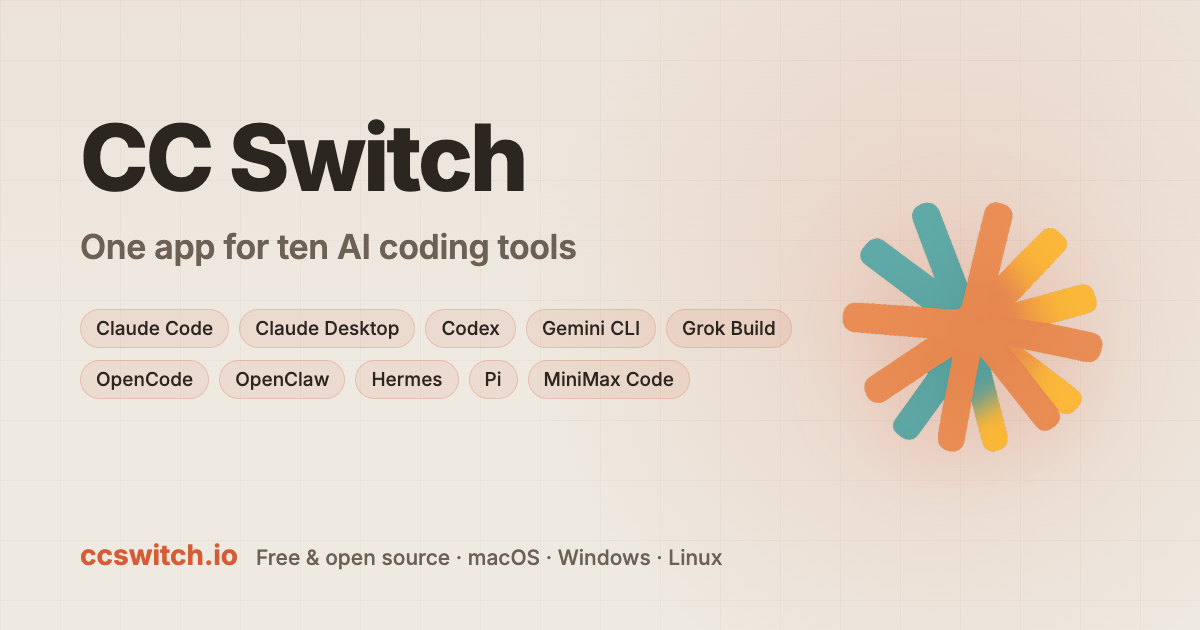
CC Switch is an open-source (MIT) all-in-one desktop manager for AI coding CLIs and agents, including Claude Code, Claude Desktop, Codex, Gemini CLI, Grok Build, OpenCode, OpenClaw, Hermes Agent, Pi, MiniMax Code, Kimi Code and Oh My Pi. It lets you switch API providers in one click and manage MCP servers, Skills and Prompts in one place, so you no longer hand-edit JSON, TOML or YAML config files. It is a native app built with Tauri 2 for Windows 10+, macOS 12+ and Linux (x86_64/ARM64 with glibc 2.35+ and WebKitGTK 4.1). The README states ccswitch.io is the only official website, and user manuals are available in several languages.
Use cases
- Switch Claude Code between API providers without editing config files
- Manage MCP servers and skills across several coding CLIs
- Keep prompts in sync for Codex, Gemini CLI and OpenCode
Frequently asked questions
- Which tools does CC Switch manage?
- Claude Code, Claude Desktop, Codex, Gemini CLI, Grok Build, OpenCode, OpenClaw, Hermes Agent, Pi, MiniMax Code, Kimi Code and Oh My Pi.
- What platforms are supported?
- Windows 10+, macOS 12+ and Linux with glibc 2.35+.
- Is there an official website?
- Yes, the README says ccswitch.io is the only official website.