
Agent Zero
agent-zero.ai
Open-source AI agent with its own Linux computer: it researches, writes code and works with documents through a terminal, browser and desktop apps in a sandbox.
- Pricing
- Open source
- Published
- Nov 4, 2026
Next steps
- Nod by n8n
Both tools are listed under AI Assistant, AI Agent, computer-use, and browser-agent.
- AutoCua
Both tools are listed under AI Agent, Open Source, and computer-use.
- OpenDuet
Both tools are listed under AI Agent and Open Source.
- Strix
- Pi
- Daily Stock Analysis (DSA)
What it does
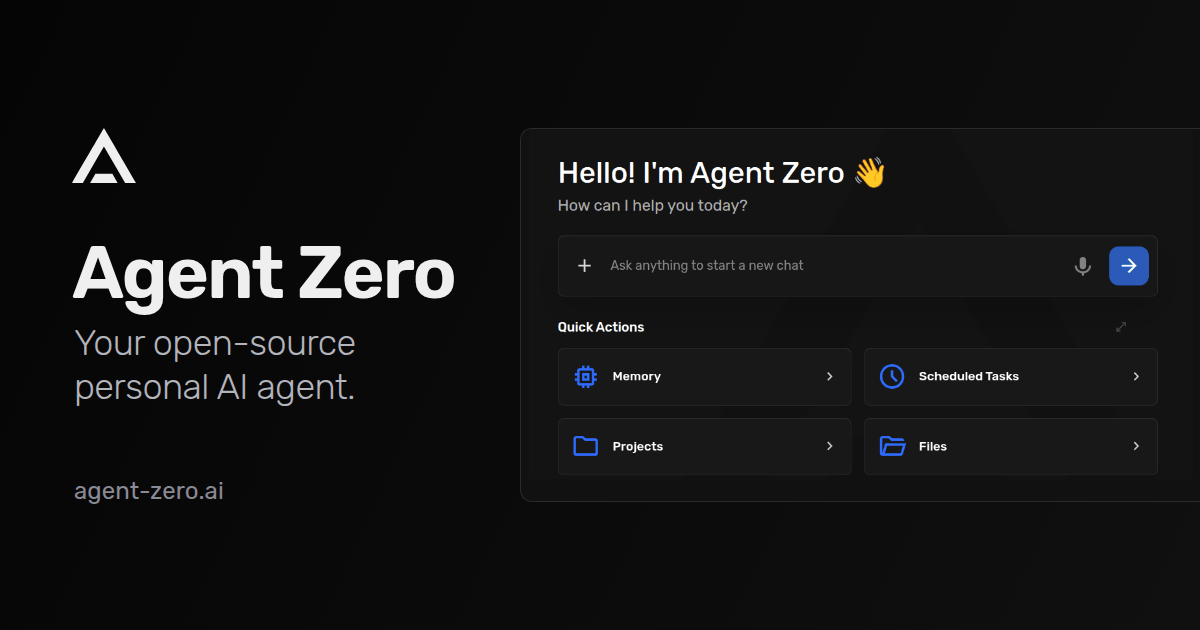
Agent Zero is an MIT-licensed open-source AI agent that gets its own Linux workspace. Inside a Docker sandbox it can research, write code, and create and work with documents using a terminal, a browser and desktop apps; you can step in at any time and connect it to local files on your own computer when needed. On a desktop, the A0 Launcher (Windows, macOS on Apple Silicon or Intel, Linux; x64 and ARM64) walks you through Docker setup, creates an Agent Zero instance with a persistent workspace and opens the Web UI. On servers or over SSH, the A0 Install script (curl -fsSL https://bash.agent-zero.ai | bash, or a PowerShell one-liner on Windows) does the same in the terminal, with a VPS guide for secure remote access. To start chatting you connect a cloud provider, an AI account, an API key or a local model server. About 19.7k GitHub stars.
Use cases
- Have an agent research a topic and save a Markdown report in its workspace
- Run a self-hosted general-purpose agent on a VPS
- Let an agent operate a browser and desktop apps without touching your own desktop
Frequently asked questions
- Where does Agent Zero run?
- In a Docker sandbox with its own Linux workspace, on your desktop via A0 Launcher or on a server via A0 Install.
- Which models can I use?
- A cloud provider, an AI account, a provider API key or a local model server.
- Can it access my files?
- Only if you connect local folders; otherwise it works inside its own workspace.
- Is it free?
- Yes, it is open source under the MIT license; model usage is billed by your provider.